

About Workforce
Workforce is SkyTower’s attendance and workforce operations platform for teams working in the office, at a store or out in the field. It combines mobile app check-ins, ZKTeco device punches and Hikvision reader events in a shared employee attendance history.
Supervisors can review attendance alongside captured photos, available location details and reader status, rather than chasing updates across separate tools. Managers can filter records by date, team member and area, then print a report, save it as PDF or export it to Excel.
The attendance overview distinguishes employees from sessions: one person may have several sessions. Its absence count means no attendance has been recorded yet; leave and rest days are not excluded. This context helps teams interpret the figures before acting on them.
Inside Workforce
Explore attendance, field-team locations and reporting with sample records from a demo account.
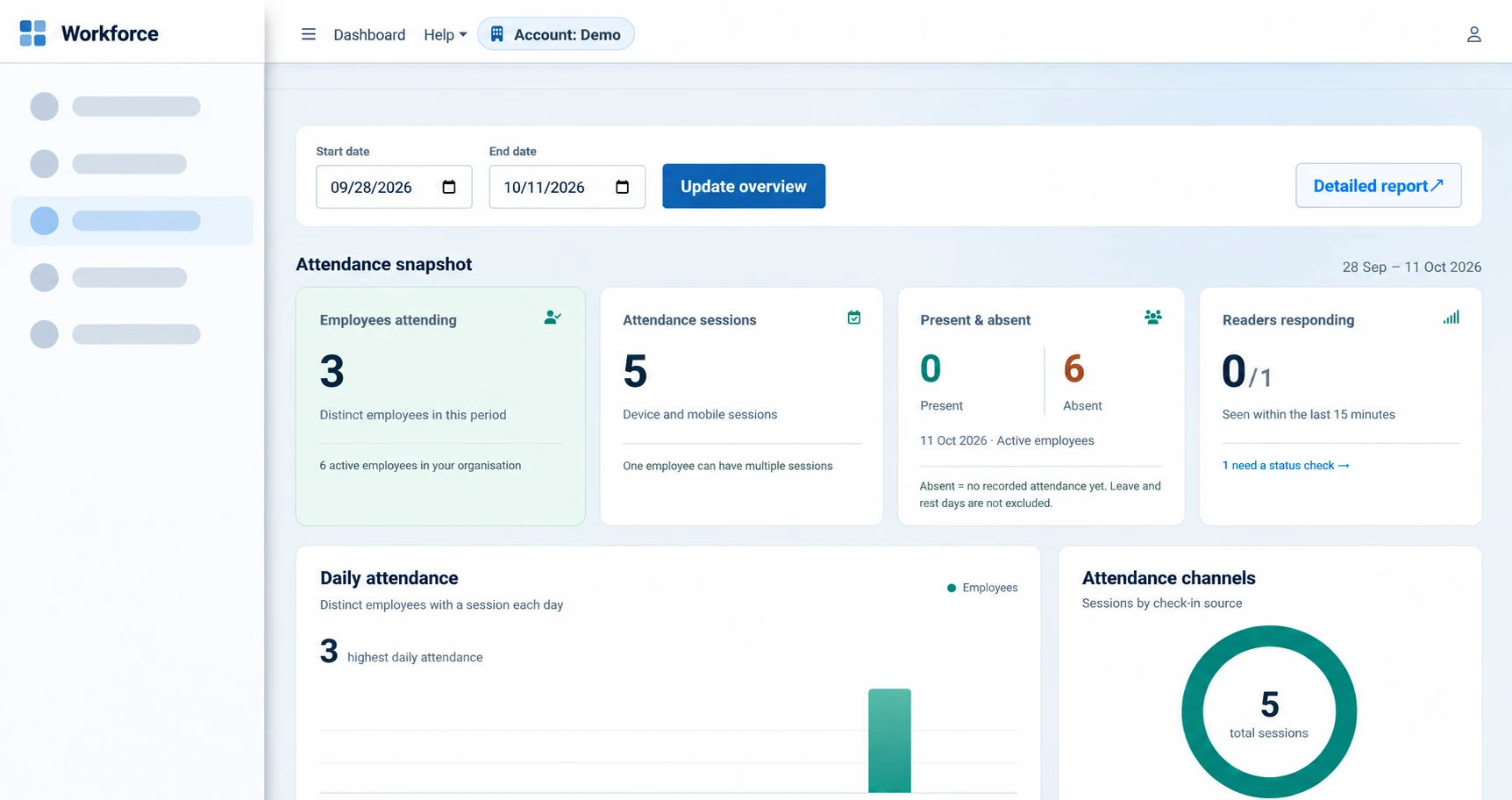
Review mobile and device sessions, daily attendance and reader status in one overview.
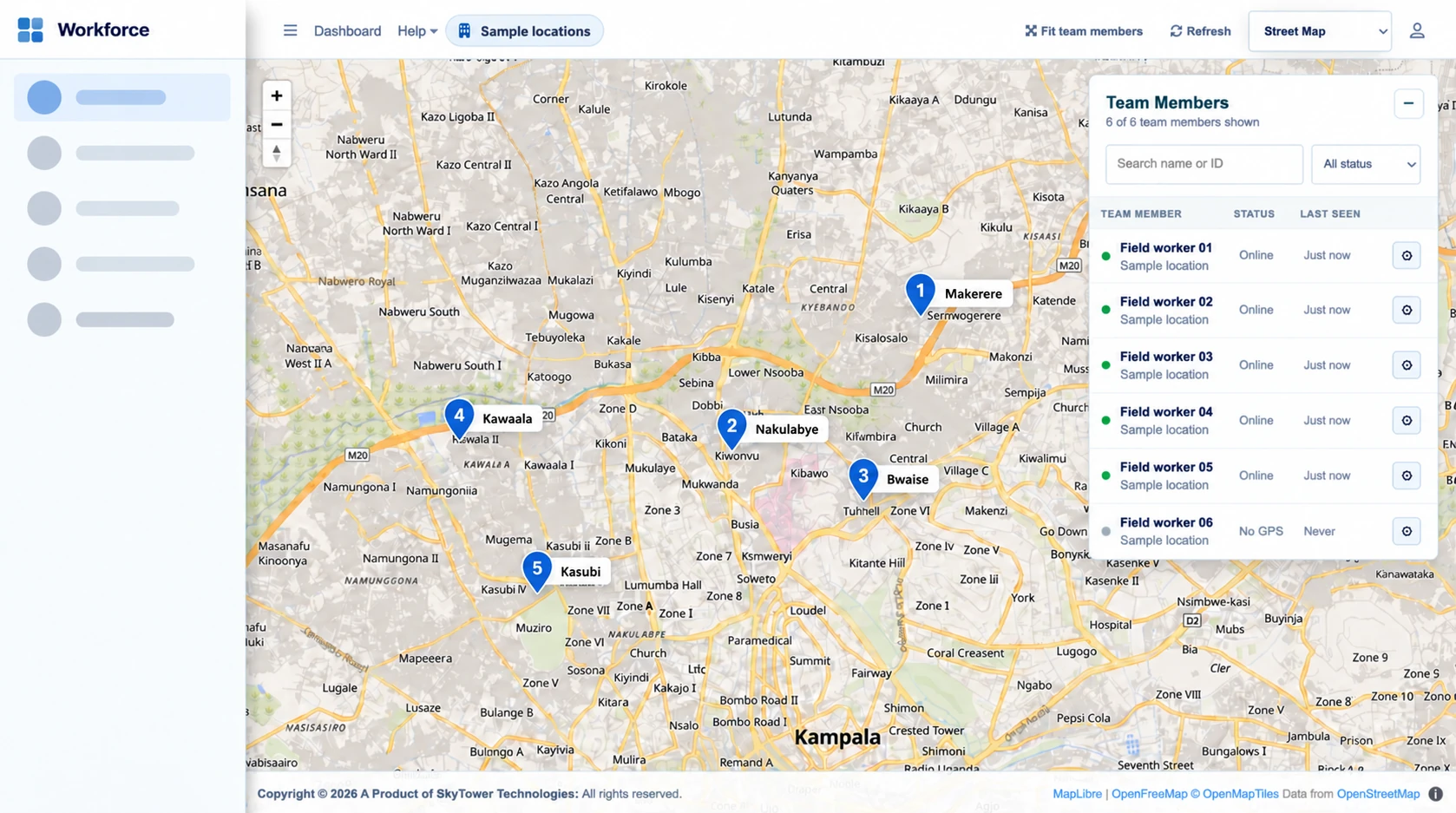
Match numbered map pins to the team roster, review available locations and last-seen status, and identify workers with no GPS record. Sample locations and anonymised workers are shown.
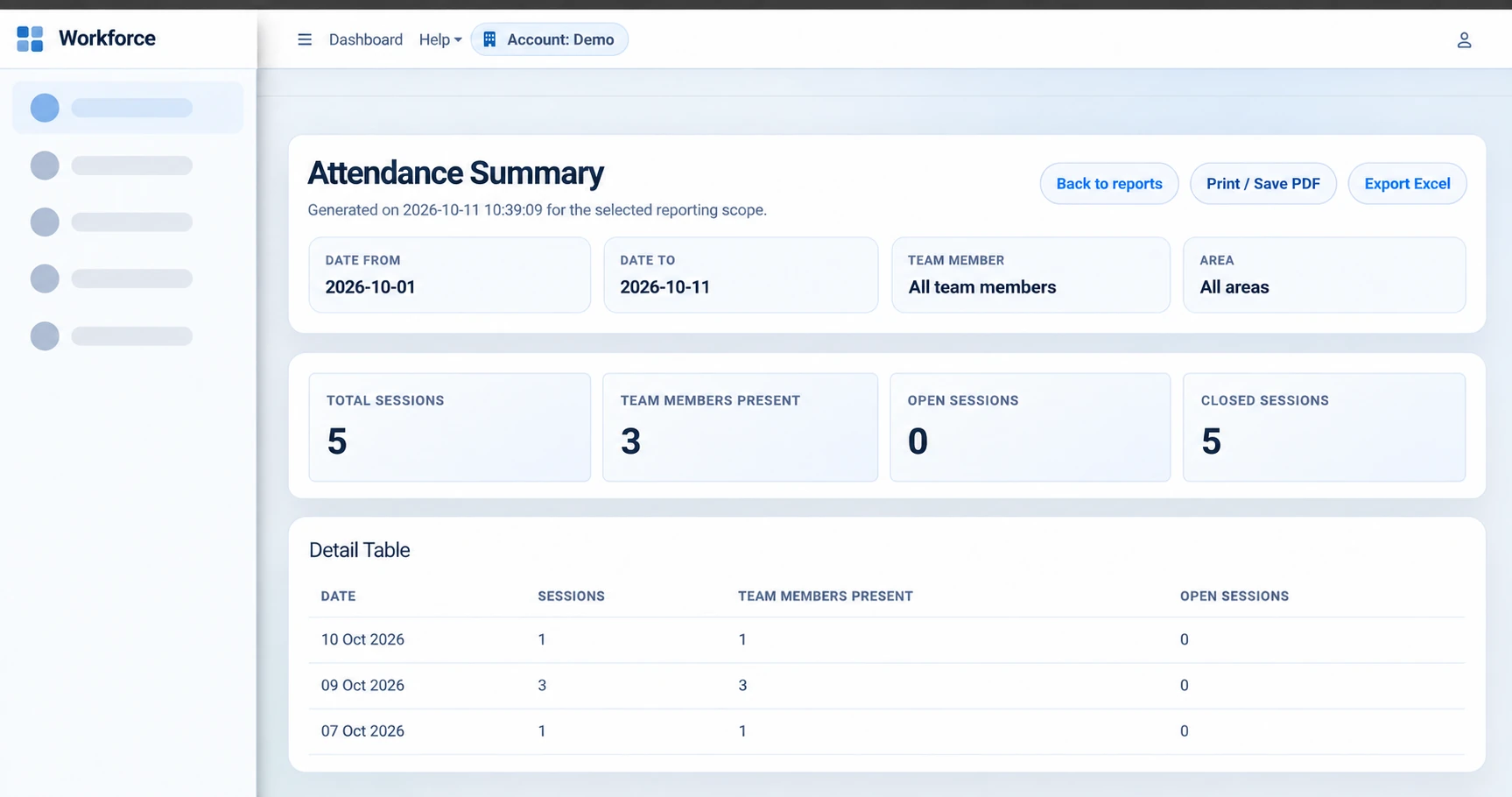
Keep the reporting scope visible while reviewing sessions and preparing PDF or Excel exports.
What it includes
Mobile check-in and check-out
Record attendance away from the office, with location context and supporting photos for field work.
ZKTeco device synchronisation
Bring time-attendance device punches into the employee record, with device mapping and sync visibility.
Hikvision reader integration
Connect reader attendance events and captured photos to the same employee history.
Team location context
Review available team locations and last-seen details alongside attendance records.
Photo-backed attendance records
Review grouped captures, timestamps and check-out details without treating repeated photos as separate attendance records.
PDF and Excel reporting
Filter by reporting period, team member and area, then print, save as PDF or export to Excel.